Terraformation Survival Rate Calculations
Back to Projects27
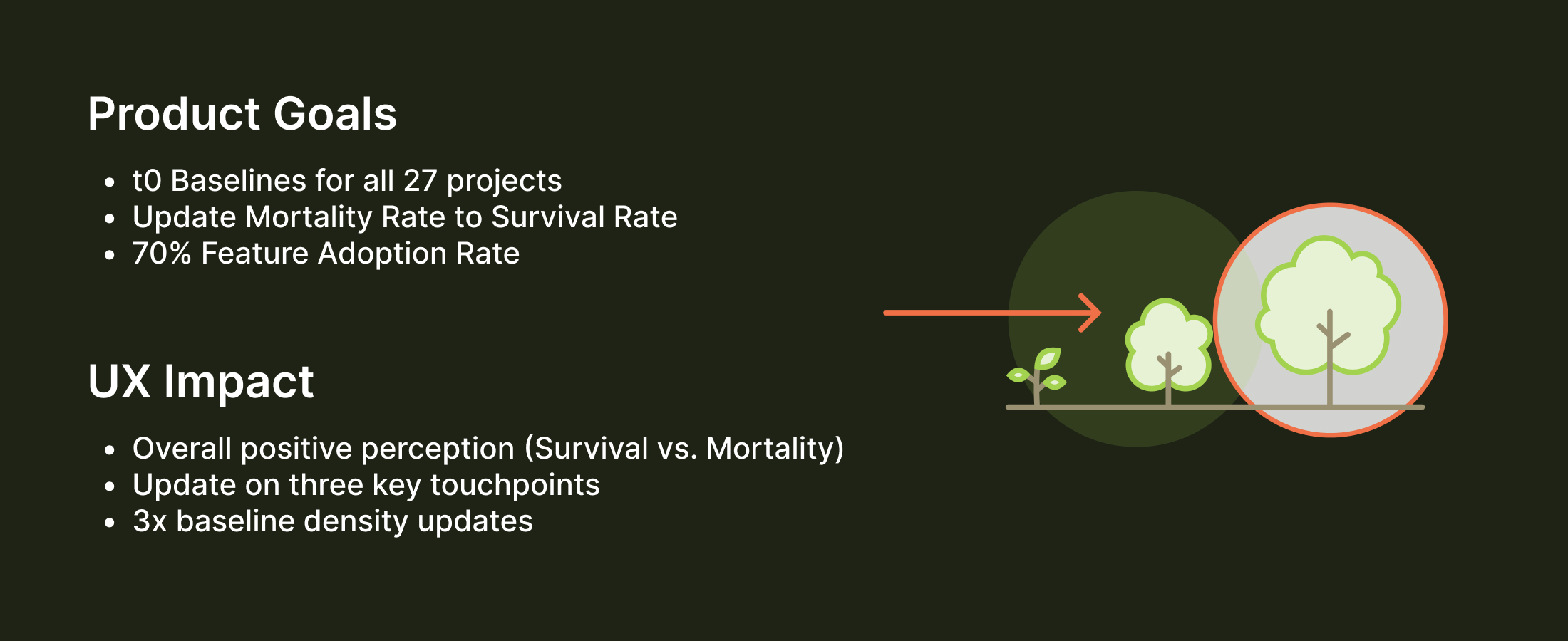
Projects updated to baselines
3x
Baseline density updates
71%
Feature adoption rate
↑
Positive reception from science teams


Understanding Complexity
The science team needed to input initial plant density data (t0 baseline) across potentially 25+ differently configured plots with three input types. This complexity made it challenging to design an interface that was both comprehensive and usable in the field.
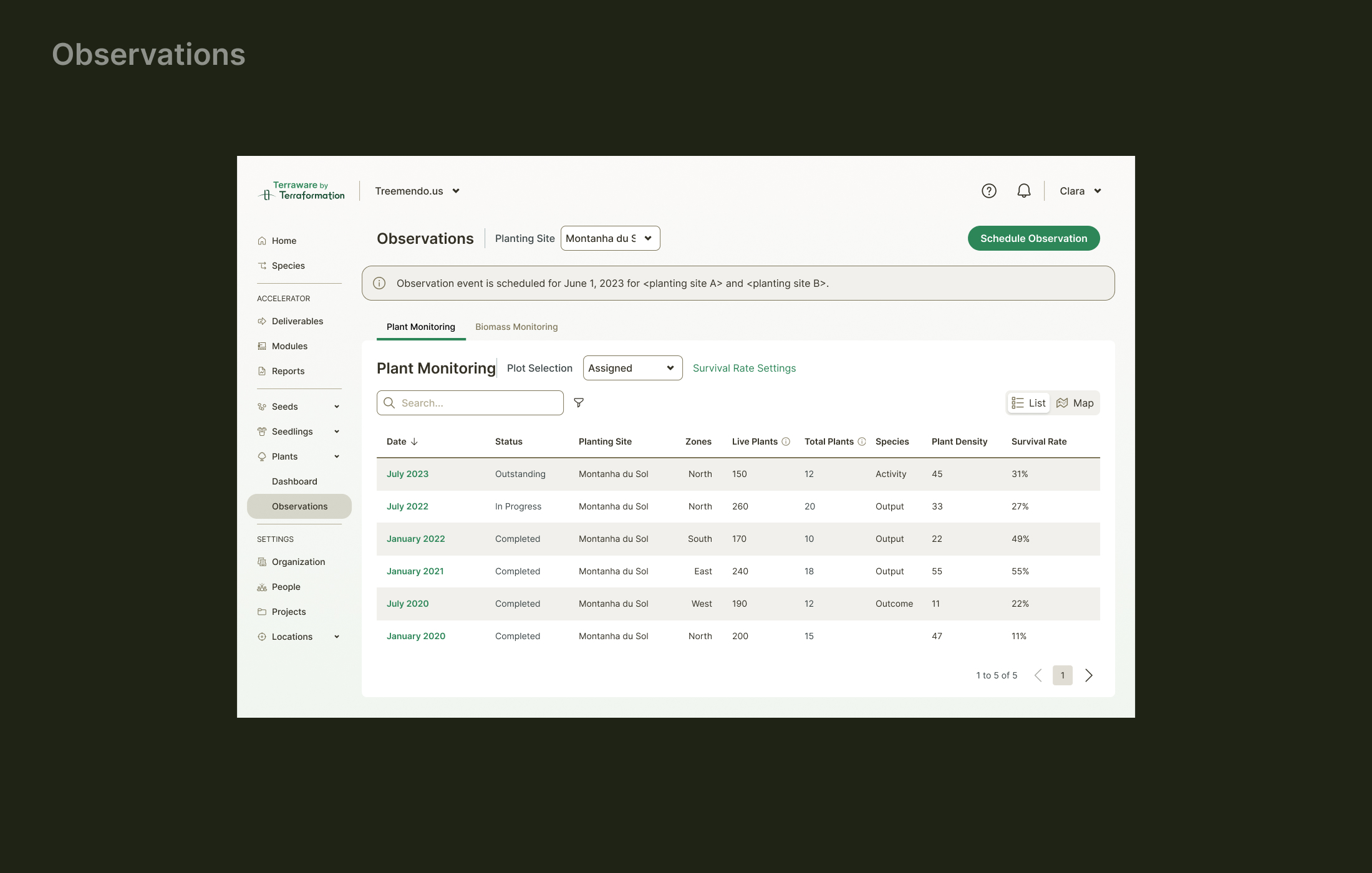
Observation Management
Observations of live or dead plants is conducted in the field through our mobile app. Terraware initially calculated the less positive Mortality Rate as a signifier of health, so we decided to update the terminology.

Exploration 1
Our first exploration was a UI that separated out Observation level data from species-specific plant densities. This wouldn't work because you need to see the dates of the Observation level data paired with the densities to make sure you were adjusting the correct metrics.

Exploration 2
Another paradigm we use in Terraware we thought might work would be a single edit UI, so the user could be focused on one task at a time. This proved to be too tedious because there needed to be a better way to compare plot level data.

Exploration 3
Showing all the data and still allowing the user to edit or select certain metrics became a bit of a complex puzzle. This version was overwrought with radio buttons and delete icons. Later we collapsed a lot of this functionality into defaults (the plant density would not be changed if you didn't input anything) and adding and deleting was combined into a single line with minimal clicks.
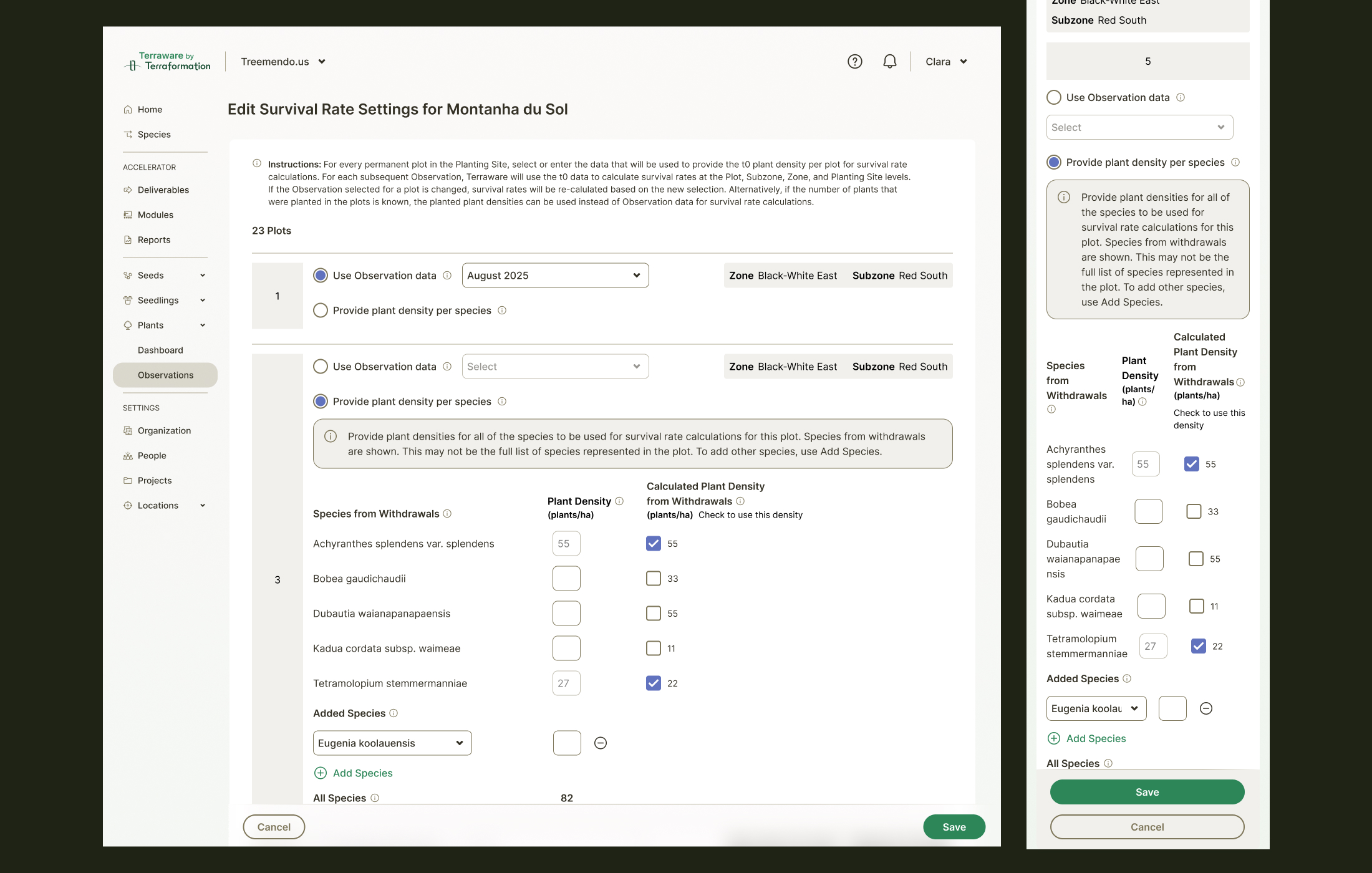
Edit Workflow
The edit interface balances comprehensiveness with usability — providing all necessary fields while using sensible defaults to reduce cognitive load and prevent accidental data changes.

Metrics & Visualization
Survival rate metrics are visualized clearly, helping teams understand plant health trends across different plots and species over time.